
5 Ways to Send Personal WhatsApp Messages to Customers (Without Copy-Pasting)
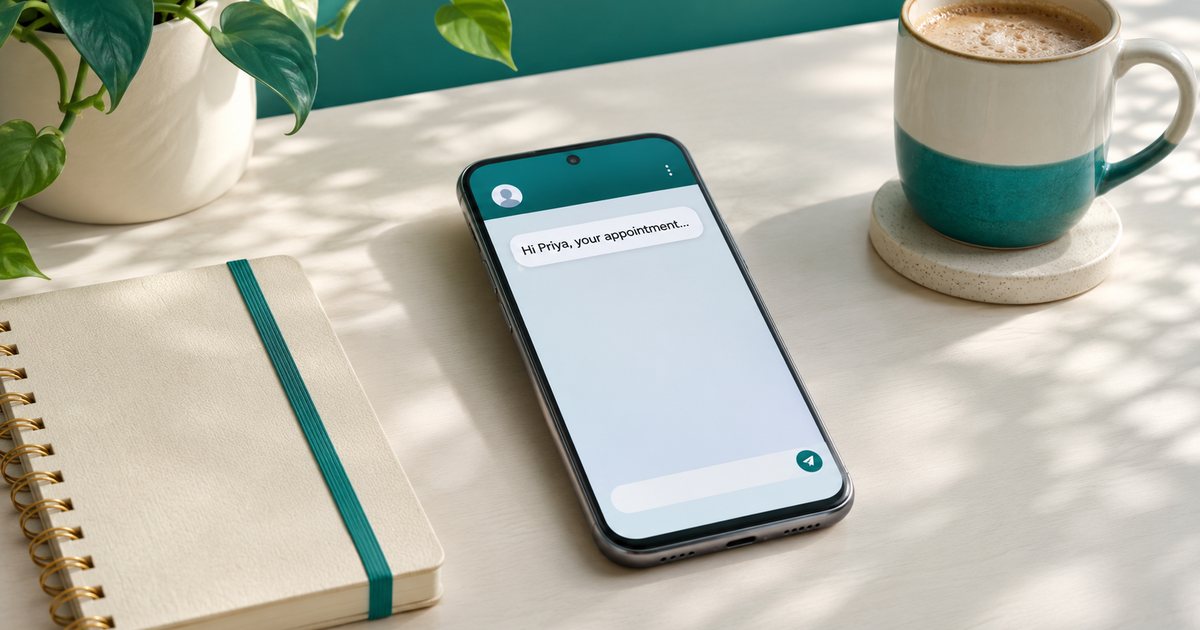
You have the same news for many customers: a reminder, a delay, a new service. The quick fix is to write one message & paste it into every chat. Customers notice. A note that opens with "Dear customer" or repeats the same lines word for word feels distant, even when the news is useful.
Personal does not mean typing every chat from a blank screen. It means each person can tell the message was meant for them. Here are five practical ways to get there, whether you send a handful of chats yourself or use a helper for a longer list.
1. Greet each person by name
A name at the top is the easiest personal touch, & it costs very little once your list is tidy. Keep names beside phone numbers in one spreadsheet. Sending by hand? Paste the main message, then add the name at the start of each chat.
Plan for the gaps. If a name is missing, never send a blank or a leftover placeholder. Use a warm fallback such as "Hi there". Messaging tools like PingFlock fill in each name for you with Name tags, & you choose the word to use when a name is missing. Either way, nobody should ever receive a message that says "Hi [name]".
Then write the rest in the second person ("your appointment", "your order"). A name on top of a generic paragraph still reads like a form letter.
2. Keep a library of ready messages
Most business chats fall into a few types: a welcome after a first visit, a reminder, a follow-up, an order update, a thank-you. Rewrite them from scratch each time & two things happen. It takes longer, & the tone drifts: warm one week, rushed the next.
Instead, keep a short set of messages you already like. Change the details (the date, the item, the next step), add the person's name, & leave a little room so it still sounds like you. A good template is a starting point, never the final word.
Need somewhere to begin? Our free WhatsApp message templates open in your browser, preview with a name & copy in one tap. Nothing you type is saved. Change the square brackets, like [date] or [your business], so the words match your voice. They are ideas for your own chats, not official WhatsApp Business Platform templates, so no approval is needed. For more examples, see our guide to WhatsApp templates for follow-ups & promos.
One rule goes with every template: only message people who said yes to hearing from you. For a wider update, add a clear opt-out line such as "Reply STOP to opt out", & honour it the same day. A one-to-one order update can skip that line if it does not fit.
3. Change a few words so no two messages feel identical
Even with a name on top, one sentence sent to everyone can still feel copied. A light touch of variety goes a long way. Swap "Hi" & "Hello". Turn "just a reminder" into "a quick reminder". Move a sentence.
By hand, keep two or three versions of the same update & rotate them as you paste. With PingFlock, Varied wording lets you write a few choices for a greeting or phrase, & each person receives one of them.
Keep the facts fixed. The date, the price, the opt-out line & the next step should be the same in every version. Only the greeting & a phrase or two should move, so it still sounds like one business, not three people. Variety is there to feel human, not to hide the same pitch behind new adjectives.
4. Use the WhatsApp Business app for chats you handle one at a time
The free WhatsApp Business app is still the right home for many daily chats. Quick replies store short, reusable answers (opening hours, directions, a booking link) so you are not retyping them all day. Labels group your chats, such as "waiting for payment" or "booked for Friday", so follow-ups do not slip.
This is personal in a different way: you are answering the person in front of you, with a saved phrase as a starting point that you edit to fit. It works best while the volume is manageable & you are already in the conversation.
Broadcast lists also have a place, for a short update to people who saved your number. WhatsApp allows up to 256 contacts on each list, & everyone on it gets the same text. If you want each person greeted by name, or you need to reach opted-in customers who have not saved your number, a broadcast list will not cover it alone. Our guide to the WhatsApp broadcast list vs PingFlock explains the difference.
5. Send from your own number, at a human pace, only to people who asked
When your list is too long to type by hand, the goal stays the same: a normal one-to-one chat from the number customers already know, not a cold message from a stranger. Three habits matter more than any tool:
- Only message people who opted in. Never use bought lists or scraped numbers. Make it easy to opt out, & act on it quickly.
- Pace your sending. A long run of identical notes, one straight after another, is hard on your number & on the people receiving them. Leave gaps, take short breaks & keep a daily cap you can stick to, especially with newer contacts. Smart pacing in PingFlock does this for you.
- Keep replies in your usual chat. A customer who writes back should be talking to you, not into a void.
A customer-messaging tool can help with names, varied wording, scheduling & Reports, while still using your existing WhatsApp or WhatsApp Business number. Whatever you use, WhatsApp decides which numbers it restricts, & no tool can promise that will never happen. The best protection is useful messages sent only to people who expect them. Our guide to keeping your WhatsApp number healthy goes through these habits in more detail.
A short close
Personal WhatsApp messages are mostly a habit: names, a reusable starting point, a little variation, care about who you message & a pace that still feels human. Start with the chats you already send every week. Get these five things right & customers can tell you wrote to them, even when you did not type every line from scratch.
Ready to try it on your own list? Start a free PingFlock trial & send your first personalised messages today, or see how to schedule WhatsApp messages to customers.
Try PingFlock free for 7 days
100 messages, 1 WhatsApp number, no card needed. Send personal messages to customers who said yes to hearing from you.
Start your free trialOr watch the 5-minute tutorial →PingFlock is an independent tool and is not affiliated with, endorsed by, or sponsored by WhatsApp or Meta.